Students searching for the digilocker sslc result 2026 usually need two things: a reliable way to view their Karnataka SSLC result and an authentic digital marksheet they can download or share. DigiLocker can provide an issuer-generated academic document when the board has published the record on the platform. It should not be confused with an uploaded scan or an unofficial result screenshot.
For Karnataka SSLC 2026, the official Karnataka Examination Results portal records that SSLC Exam 1 results were announced on 23 April 2026 and the consolidated best-marks result for Exam 1 and Exam 2 was announced on 30 May 2026. Use the official result portal first to confirm marks, then use DigiLocker to retrieve an issued digital academic document if the relevant KSEAB record is available.
Key Takeaways
- Karnataka’s official result portal lists SSLC Exam 1 results for 2026 as announced on 23 April 2026 and the Exam 1–2 consolidated best-marks result on 30 May 2026.
- Check marks only through the official Karnataka Examination Results portal and KSEAB channels.
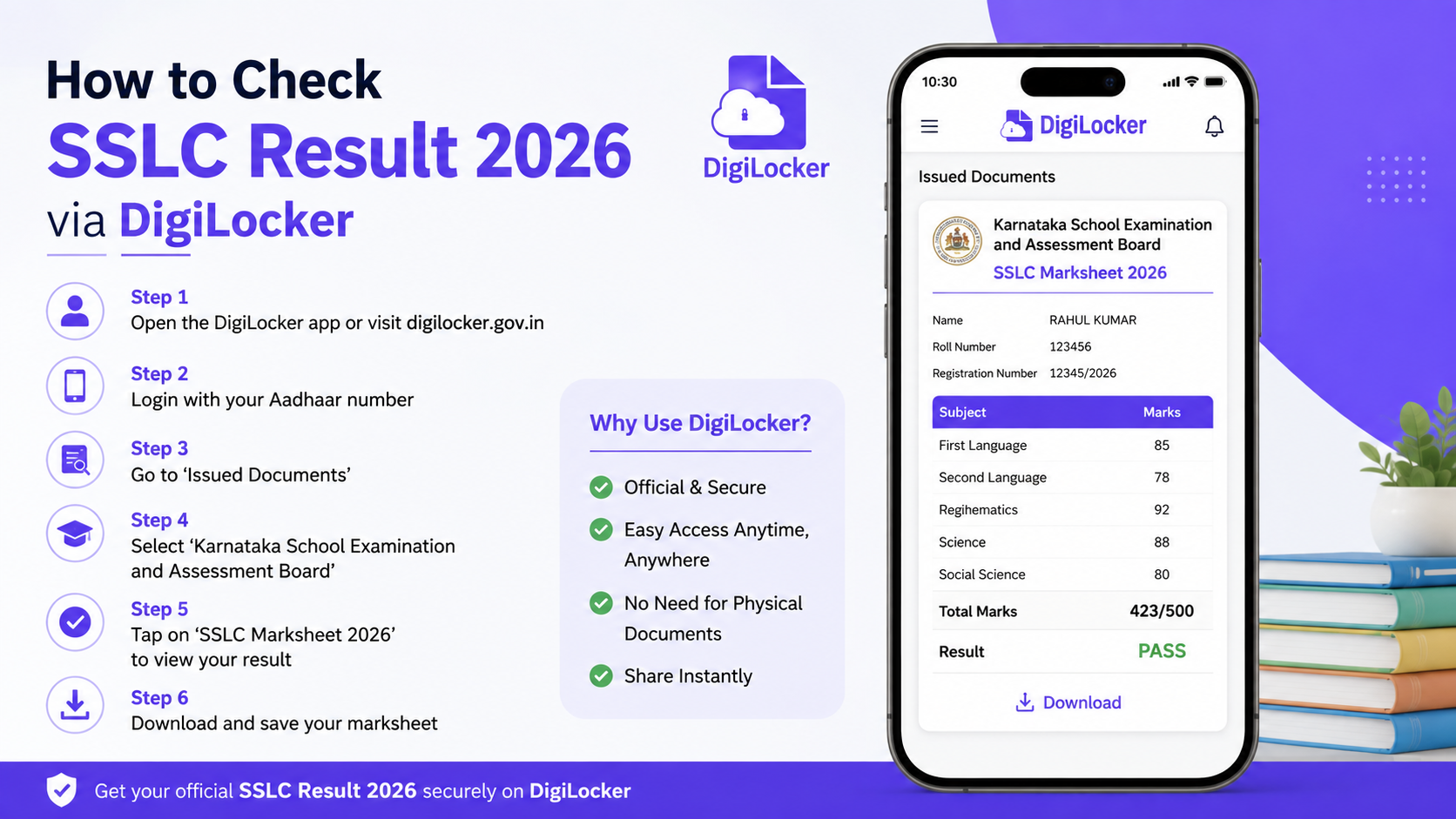
- In DigiLocker, retrieve a marksheet through Browse Documents > Education; a board-issued document appears under Issued Documents.
- A DigiLocker-issued academic document is different from a PDF or image manually uploaded by a student.
- If the 2026 KSEAB document is not available in the issuer list, wait for the board’s data publication or contact the board—do not use third-party “marks card download” websites.
- The online result page is for immediate information; the official Karnataka results portal says it cannot be treated as the original marksheet.
Karnataka SSLC Result 2026: Officially Confirmed Position
“SSLC” can refer to Class 10 examinations conducted by different state boards. This guide concerns Karnataka SSLC, administered by the Karnataka School Examination and Assessment Board (KSEAB). Students from Kerala, Tamil Nadu, Maharashtra, or another state should use their own board’s official result and DigiLocker issuer listing, as schedules and document labels differ.
The Karnataka Examination Results 2026 portal lists these confirmed SSLC announcements:
| Result | Officially listed announcement date |
|---|---|
| SSLC 2026 Exam 1 result | 23 April 2026 |
| SSLC 2026 Exam 1 and Exam 2 consolidated best-marks result | 30 May 2026 |
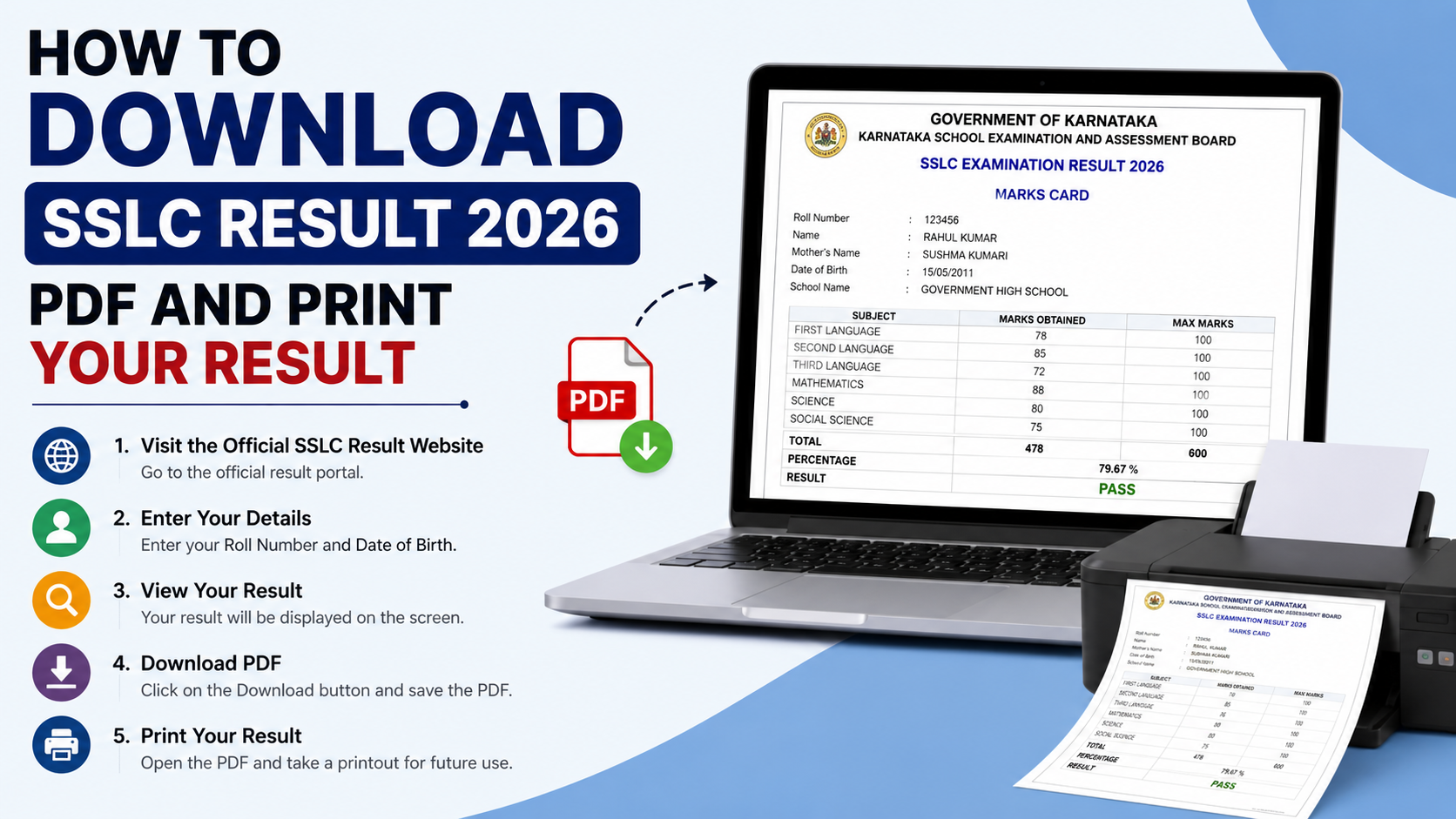
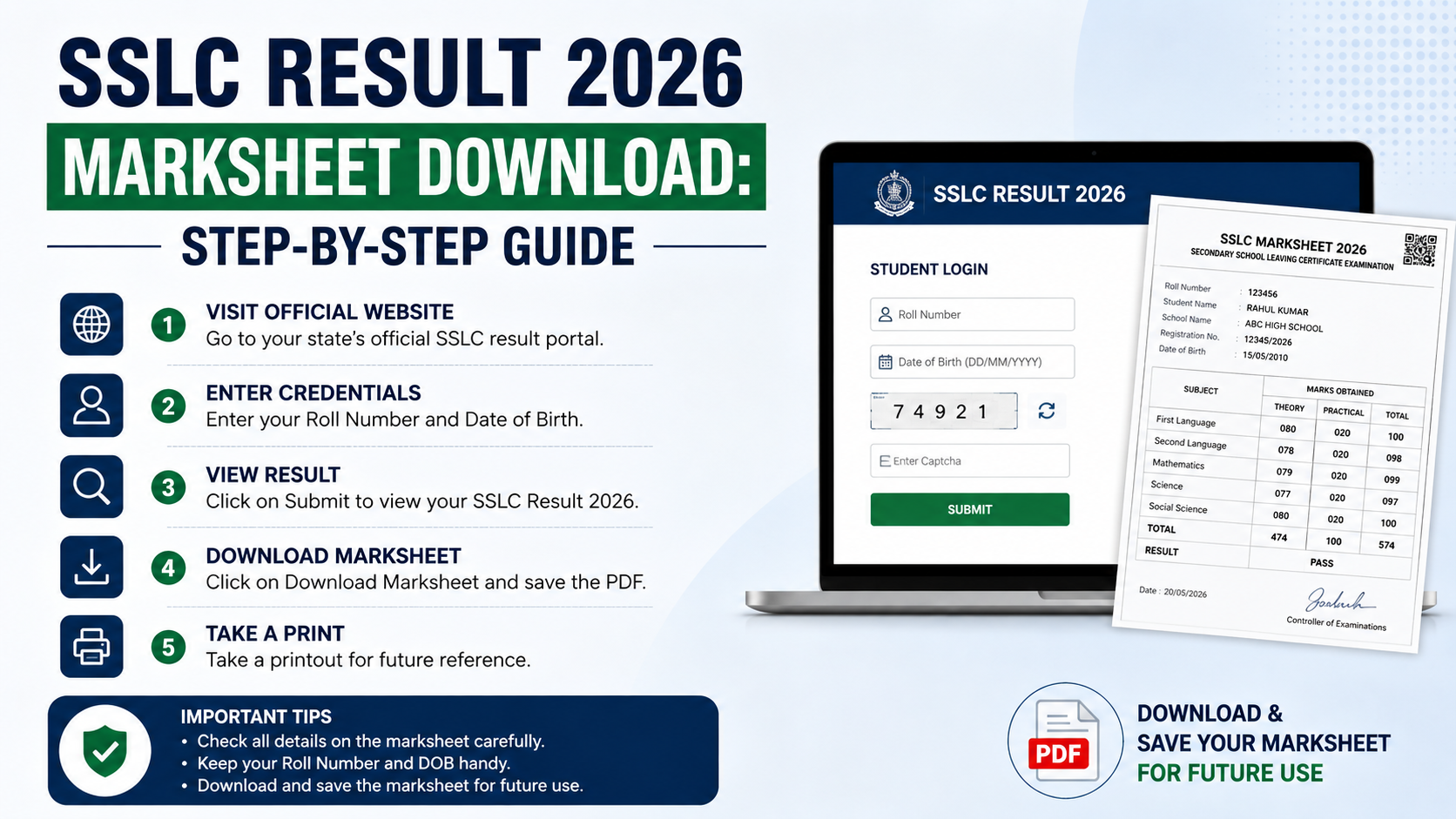
The same official portal includes an important limitation: internet-published results are for immediate information and are not the original marksheet. The board issues original marksheets separately.
This makes the distinction important:
- Official online result: Useful for checking the result and marks quickly.
- DigiLocker-issued document: A digitally issued academic record, available only after the issuing authority has published the data.
- Physical original marksheet: Issued separately by the board and typically collected through the school according to board instructions.
What DigiLocker Does for SSLC Students
DigiLocker is a Ministry of Electronics and Information Technology initiative under Digital India that lets citizens access, store, share, and verify digital documents. For education records, it works with the National Academic Depository (NAD), where boards and institutions can publish academic awards such as marksheets and certificates.
The crucial word is issued. DigiLocker’s NAD guidance states that academic awards are supplied by the concerned institution or board. The student retrieves the document using the details requested by that issuer. DigiLocker cannot independently create, correct, or publish a board marksheet.
An issued document is generally more useful than a screenshot because it originates from the authorised issuer. NAD states that documents issued through its system are recognised as equivalent to physical documents under the Information Technology Act, 2000 and the applicable DigiLocker rules. However, an institution may still specify its own application-document requirements, particularly where it explicitly asks for an original physical record.
How to Download Your SSLC Marksheet Through DigiLocker
Use only the official DigiLocker website or the official DigiLocker mobile app. Do not enter your Aadhaar, OTP, registration number, or password on links received through social media messages.
1. Create or sign in to your DigiLocker account
Open DigiLocker and register or sign in using the available official account process. NAD confirms that students do not need to create a separate NAD account; access to academic documents is through DigiLocker.
Use your own mobile number and protect account access. Never share OTPs, PINs, passwords, or identity details with an agent claiming to “activate” a marksheet.
2. Open the Education document category
After signing in:
- Select Browse Documents.
- Choose Education.
- Search for the board or institution.
- Select the relevant issuer and document type.
According to NAD’s student instructions, students search for their board, university, or institution, enter the required details, and retrieve the academic award into their account.
3. Select the correct issuer and marksheet type
Look carefully for the Karnataka board/issuer shown in DigiLocker. The exact wording and available document types can change because the board controls its published records.
Choose the document that matches your need, such as a Class X marksheet or passing certificate, only when it is clearly connected to the authorised board. Do not select a similarly named private issuer.
4. Enter details exactly as requested
The form may request details such as:
- Registration or roll number
- Examination year
- Date of birth
- Candidate name
- Other board-specific details
Enter details exactly as recorded on your admission ticket, hall ticket, or official result record. A mismatch in spelling, date format, number, or year can prevent the document from being retrieved.
5. Retrieve and save the issued document
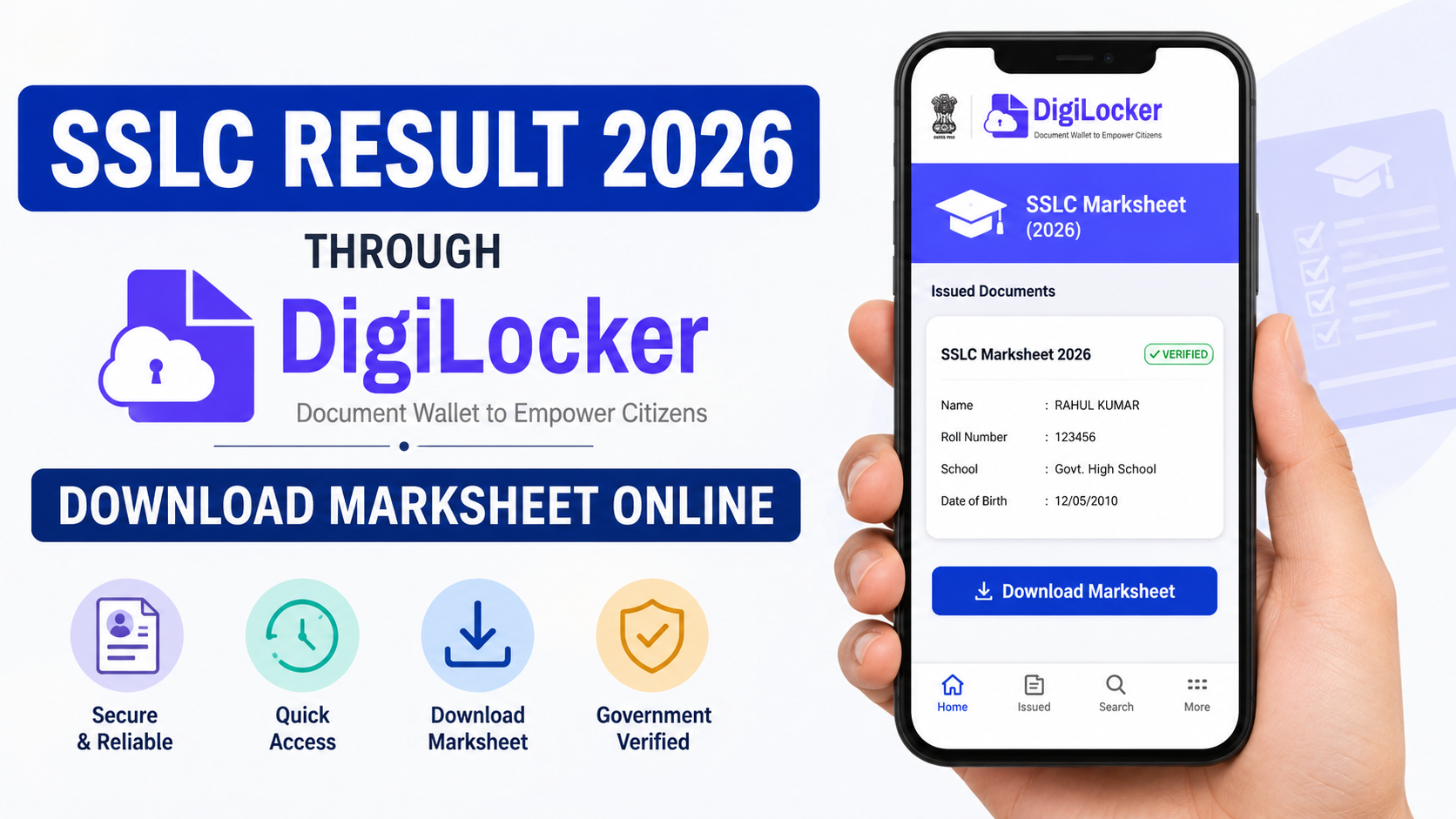
Select Get Document after confirming the entered details. If the record is found, it should be placed in Issued Documents. From there, you can view it, download the available PDF, or use DigiLocker’s sharing options when required.
NAD’s official FAQ confirms that a downloadable PDF version of an issued digital certificate can be obtained through DigiLocker.
Can You Download the Karnataka 2026 SSLC Marksheet Immediately?
Not necessarily. Result publication and DigiLocker document publication are related but separate processes.
The official result portal confirms the 2026 Karnataka SSLC result announcements. However, the current board-linked DigiLocker page describes Class X and XII marksheets and passing certificates for 1998 to 2025. It does not itself confirm that every 2026 KSEAB SSLC record is already available for retrieval.
Therefore, the accurate approach is:
- Confirm your marks on the official result portal.
- Search for the authorised KSEAB/board issuer in DigiLocker.
- Retrieve the record if the relevant 2026 document type and candidate data are available.
- If it is unavailable, do not assume your result is invalid or attempt to pay anyone for access.
Availability depends on when the board uploads and publishes the relevant data. NAD explains that an institution will become discoverable and its records retrievable after it has provided and completed publication of the academic certificate data.
If the DigiLocker SSLC Marksheet Is Missing or Incorrect
A missing document is usually a data-availability or data-matching issue, not a reason to create another account or use an unofficial service.
| Problem | Safe next action |
|---|---|
| Board/issuer is not visible | Check the Education category later and rely on official board announcements. |
| “Record not found” appears | Re-enter the registration number, year, name, and date of birth exactly as required. |
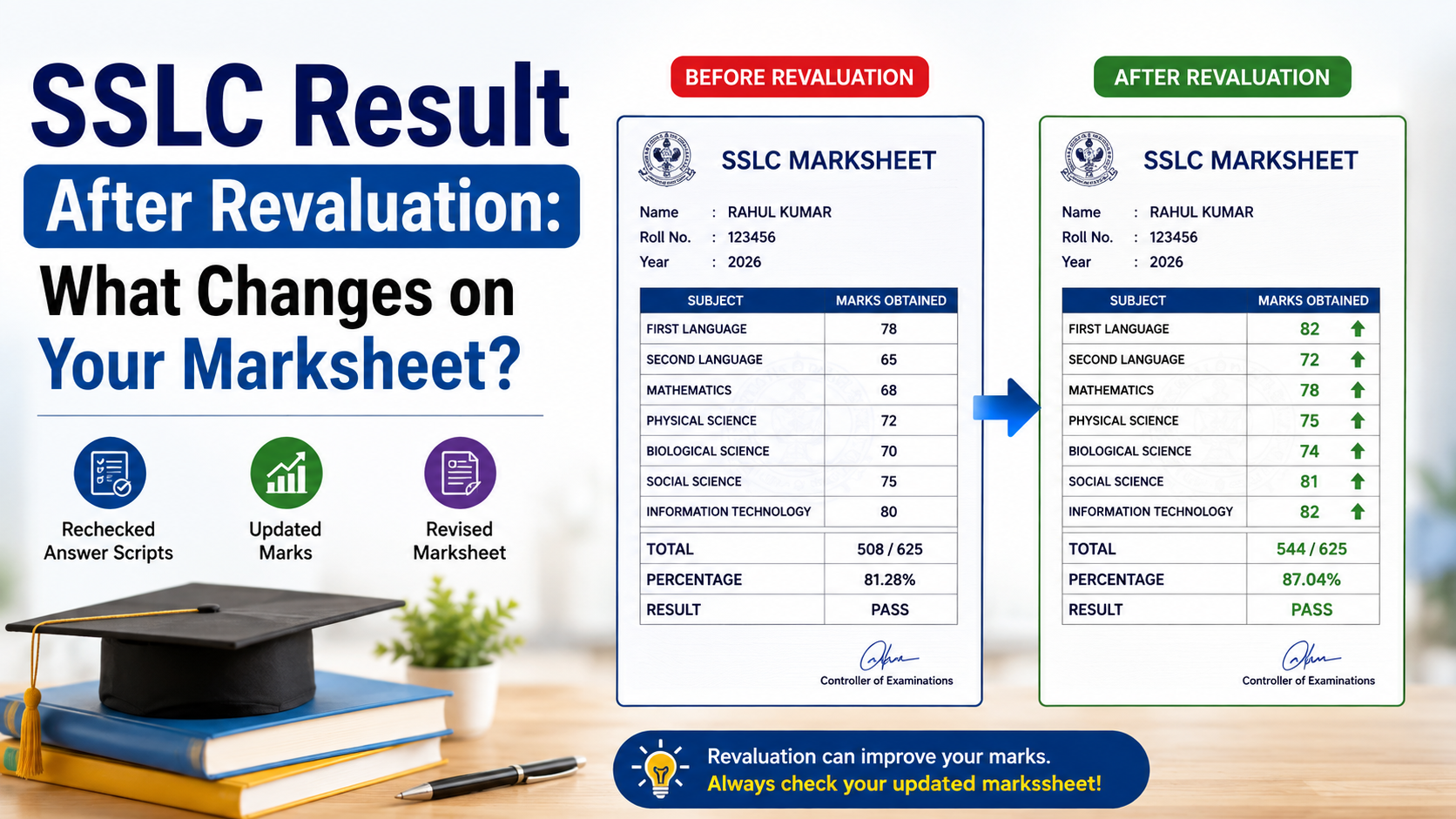
| Name or date of birth differs from Aadhaar | Contact the school or board that controls the academic record. |
| Marks or personal details are incorrect | Raise the issue with KSEAB through your school or official board channel; DigiLocker does not alter board data. |
| You need a physical original | Follow the board or school’s collection instructions. |
NAD states that the academic institution is responsible for the accuracy of the record. It also advises users with name-matching issues to contact the relevant board or university to update the underlying record.
Do not upload a downloaded result page into DigiLocker and present it as an issued document. A user-uploaded file may be useful for personal storage, but it does not carry the same issuer-backed status as a document appearing under Issued Documents.
How to Use the Digital Marksheet Safely
A DigiLocker-issued SSLC document can be helpful for school admissions, scholarship applications, identity checks connected with education, and document verification. Use the document-sharing feature only when the receiving institution asks for it and you understand what information is being shared.
Before sharing:
- Confirm that the document appears in Issued Documents.
- Check your name, registration number, year, subjects, marks, and result status.
- Use the share or verification method requested by the institution rather than sending account credentials.
- Keep the downloaded PDF private; it contains sensitive personal and academic data.
- Retain the physical original and all official board communications.
Be cautious of claims that a “DigiLocker result link” can improve marks, change an Exam 1 result, or provide a duplicate original immediately. Legitimate corrections and original-document processes are handled by the board, not by social-media pages, paid Telegram channels, or unknown mobile apps.
Official Links Students Should Use
For the digilocker sslc result 2026, keep bookmarks for only these official services:
- Karnataka Examination Results — official Karnataka result announcements and result access.
- KSEAB — Karnataka School Examination and Assessment Board information.
- DigiLocker — official account, issued-document, sharing, and verification service.
- NAD FAQ — official guidance on retrieving academic awards and document validity.
A genuine DigiLocker or board page will not ask for a payment to reveal your marks. Treat any such request as suspicious.
Frequently Asked Questions
Is the DigiLocker SSLC marksheet the same as the online result?
No. The online Karnataka result page is intended for immediate information and is not the original marksheet. A DigiLocker document is a separate issuer-generated digital academic record, available only when the board has published it.
What are the confirmed Karnataka SSLC Result 2026 dates?
The official Karnataka results portal lists SSLC Exam 1 results as announced on 23 April 2026 and the Exam 1–Exam 2 consolidated best-marks result as announced on 30 May 2026.
Why can I see my result but not my DigiLocker marksheet?
The board may not yet have published the relevant record in DigiLocker, or the details entered may not match the board data. Recheck the requested fields and use official KSEAB or school support for record-related issues.
Do I need a separate NAD ID to download my marksheet?
No. NAD says students do not need a separate NAD registration or NAD ID for DigiLocker-supported academic documents. A DigiLocker account is used to access the available records.
Is a downloaded DigiLocker marksheet legally valid?
NAD states that issuer-generated digital academic documents in DigiLocker are recognised as equivalent to physical documents under the IT Act, 2000. Make sure the document is an Issued Document, not a file you uploaded yourself, and follow any specific requirements set by the receiving institution.
Conclusion
For Karnataka students, the official SSLC 2026 results were announced on 23 April 2026 for Exam 1 and on 30 May 2026 for the consolidated Exam 1–2 best-marks result. Confirm your marks through the official Karnataka results portal, then use DigiLocker’s Education section to retrieve an issuer-generated marksheet if the relevant 2026 record is available. Keep the digital document secure, verify every detail, and rely on KSEAB and DigiLocker—not third-party result links—for any further action.