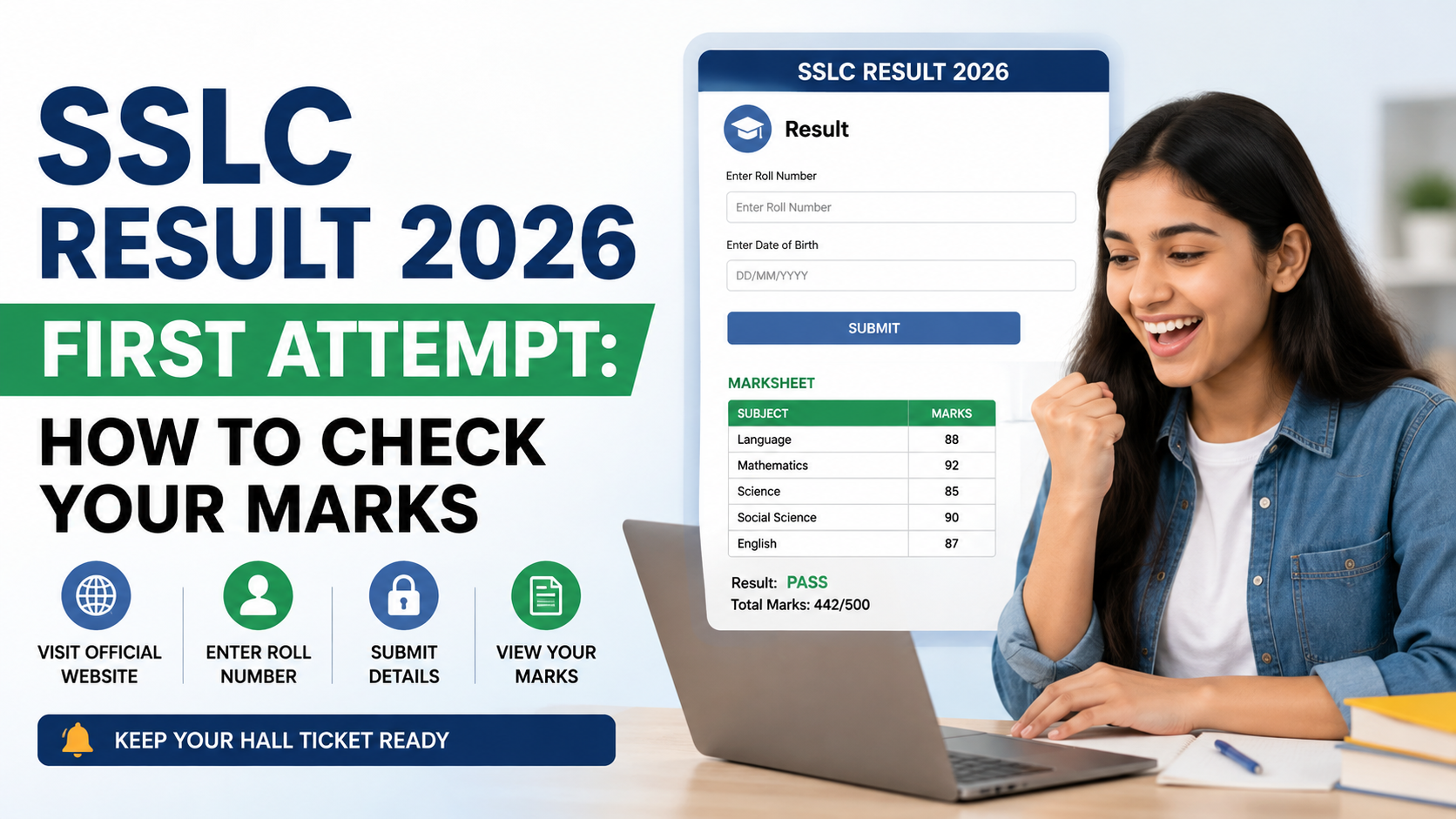
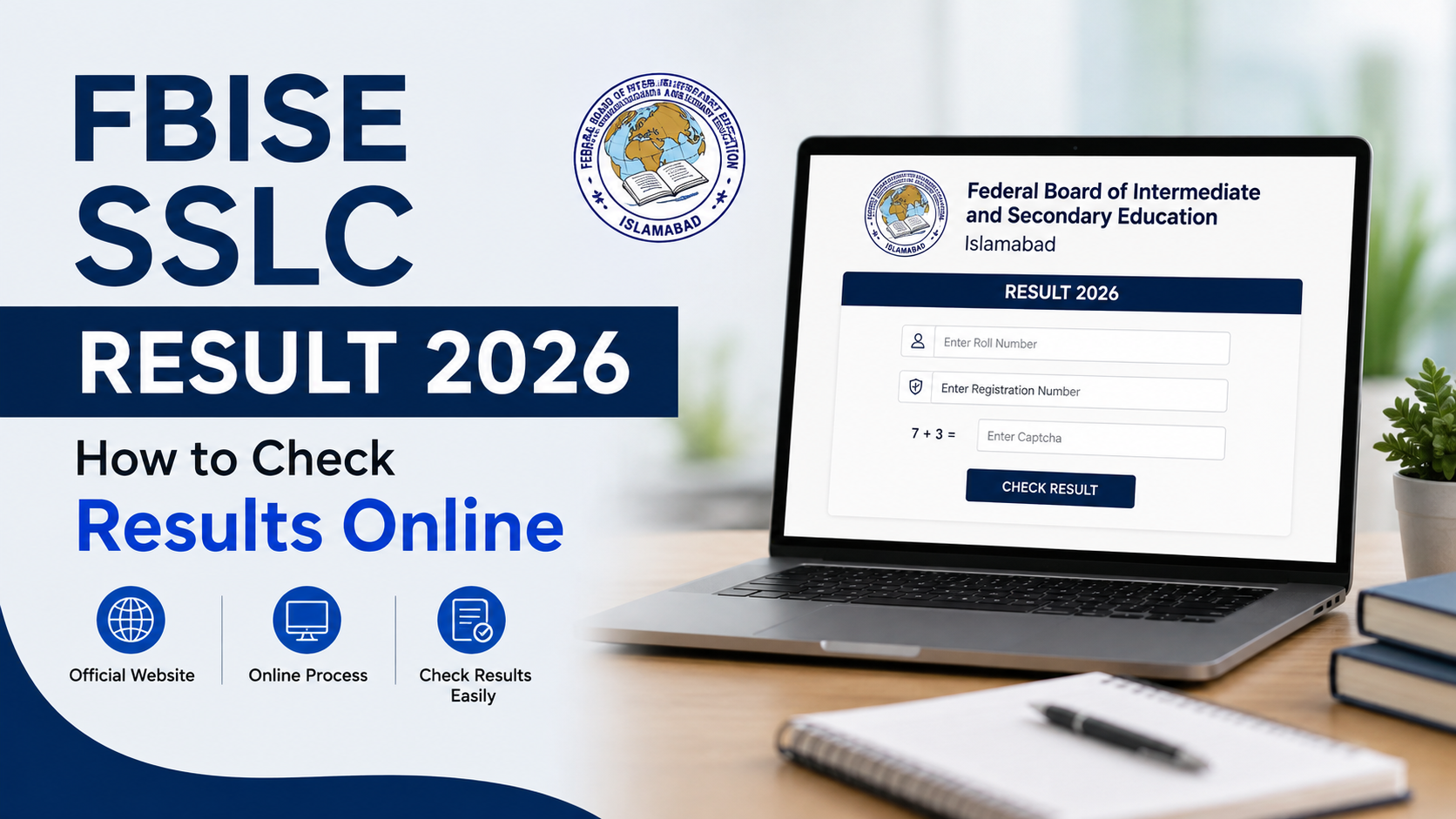
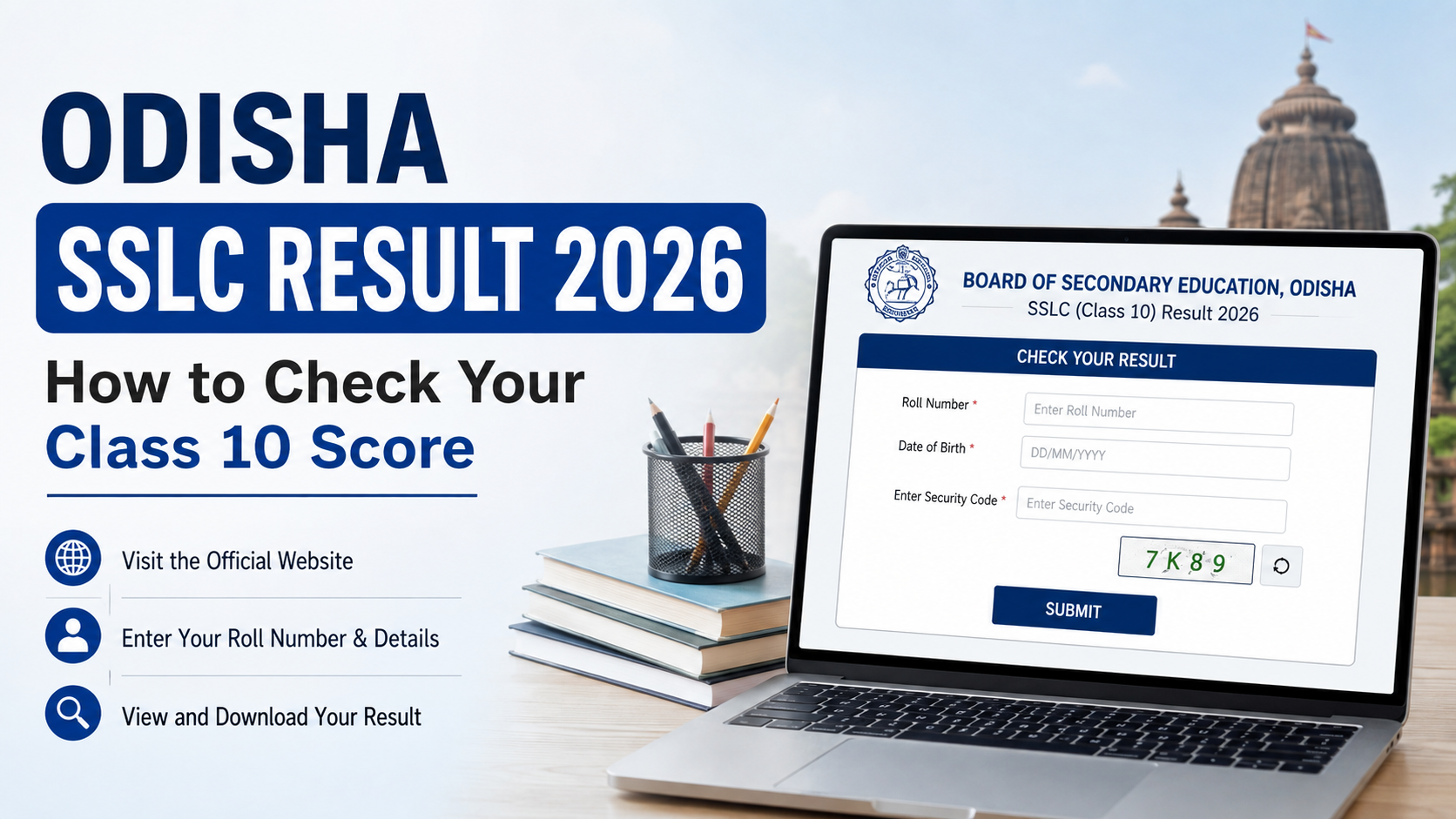
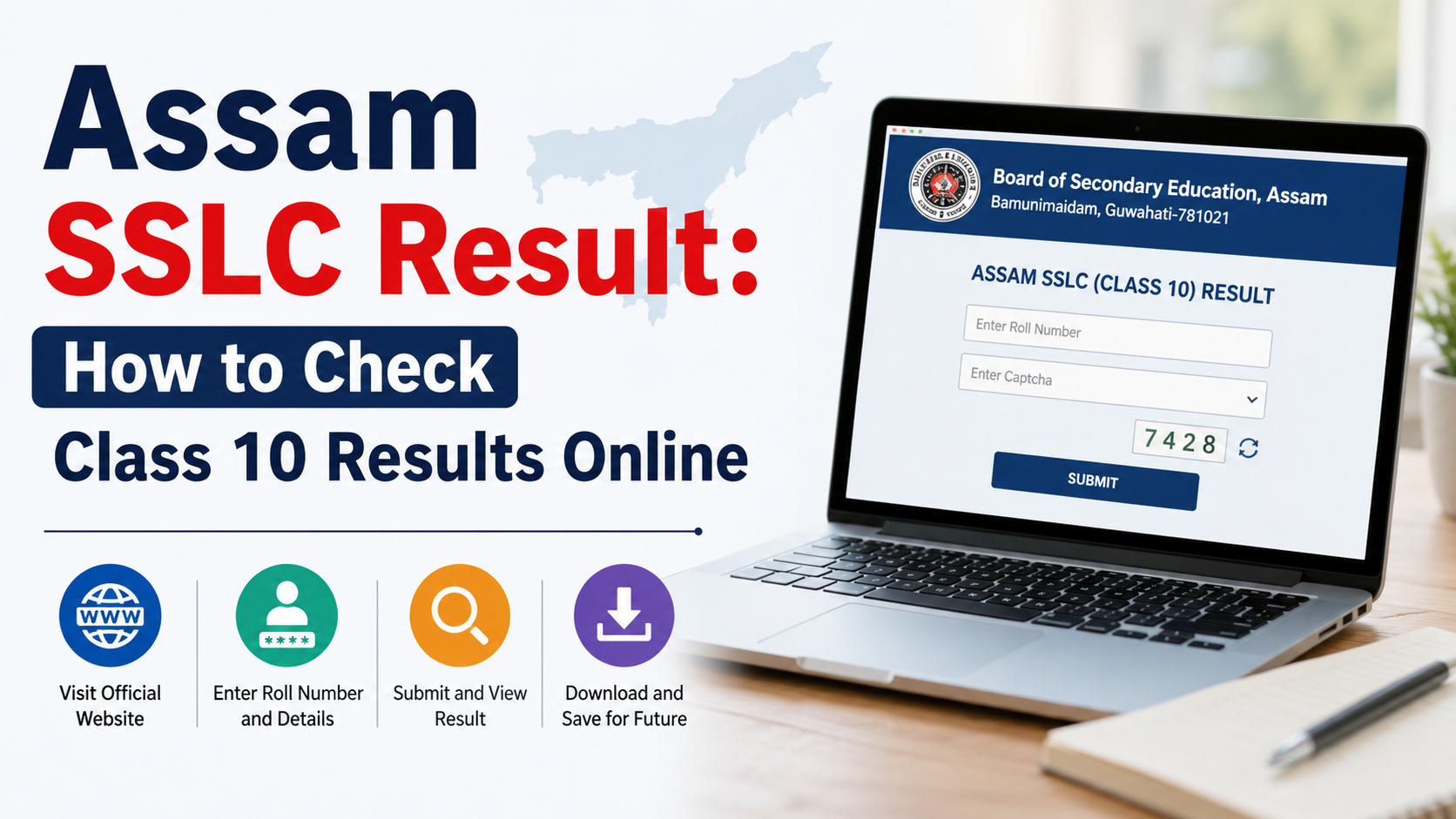
Checking an SSLC result on a phone should be quick, but a search for “sslc result app 2026” can surface unofficial apps, lookalike websites and old links. The safest approach is to identify your state board first and use only its official result channel.
In 2026, Kerala students can use the official Saphalam KITE app or the KITE results portal, while Karnataka SSLC candidates can use the official Karnataka Examination Results portal in a mobile browser. This guide explains the verified routes, the details to keep ready, what to do if a site is busy and how to handle your result responsibly.
Key Takeaways
- SSLC is administered by state-level authorities, so there is no single all-India SSLC result app or portal.
- Kerala’s official mobile app is Saphalam KITE, published by Kerala Infrastructure and Technology for Education.
- Karnataka’s official SSLC result route is the NIC-hosted Karnataka Examination Results portal, which works in a mobile browser.
- Keep your register or registration number and date of birth exactly as printed on the hall ticket.
- Online result displays are for immediate information; collect or use the board-issued original marksheet for formal purposes.
- Avoid apps or sites that ask for payment, unnecessary permissions, passwords or OTPs to show a result.
Start by Identifying Your SSLC Board
“SSLC” can refer to different Class 10 examinations in India. The name may be the same, but the result authority, login details, grading format and official website differ by state.
Before opening an app or result link, confirm the board shown on your hall ticket. For example:
| Candidate’s board | Official authority or channel | Mobile method |
|---|---|---|
| Kerala SSLC | Board of Public Examinations / KITE | Saphalam KITE app or KITE results portal |
| Karnataka SSLC | Karnataka School Examination and Assessment Board (KSEAB) | Karnataka Examination Results portal |
| Another state using “SSLC” | That state’s examination board | Use only the board’s announced channel |
Do not assume that a result portal for Kerala will work for a Karnataka registration number, or vice versa. Entering details into the wrong site wastes time and can expose personal information to an untrusted service.
A simple rule helps: start from your board’s official website, school notice or verified board announcement—not from a sponsored search result, social-media post or message-forwarded link.
What Is Officially Available for SSLC Result 2026?
For Kerala, the official KITE SSLC Results 2026 portal provides a mobile-friendly result form. It asks for a six-digit register number and date of birth. The portal also offers school-wise result analysis.
Kerala students also have an official application: Saphalam KITE on Google Play. The listing identifies Kerala Infrastructure and Technology for Education (KITE), under the General Education Department, Government of Kerala, as the developer. It supports SSLC results and was updated on May 18, 2026.
For Karnataka, the Karnataka Examination Results portal lists the KSEAB SSLC 2026 Exam 1 result announced on April 23, 2026, and the consolidated best-marks result for Exams 1 and 2 announced on May 30, 2026. The official result forms require the candidate’s registration number and date of birth as recorded on the admission ticket.
These are confirmed board-linked channels. A search term such as “sslc result app 2026” should not be treated as proof that every state has an official result app.
Best Option for Kerala: Saphalam KITE App
For Kerala SSLC candidates, Saphalam KITE is the most direct official app-based option. It is designed for examination results published through Kerala’s education system and provides subject-wise result information.
How to check Kerala SSLC result on the app
- Open Google Play and search for Saphalam KITE.
- Confirm that the developer is Kerala Infrastructure and Technology for Education (KITE).
- Install and open the app.
- Select the SSLC examination option.
- Enter the register number and date of birth exactly as shown on the hall ticket.
- Tap Submit and review the displayed details before saving or sharing the result.
The app listing states that users can save previously viewed results on their own device and share a result as a PDF or image. Treat those saved copies as convenient records, not as a replacement for the board-issued marksheet.
Use the KITE website if you do not want an app
An app is optional. Open the official Kerala SSLC result page in Chrome, Safari or another updated browser. Enter the same register number and date of birth.
The KITE portal specifically advises candidates facing display problems to clear browser cache or use Incognito/Private Browsing mode. This is useful when an older cached page loads instead of the current result form.
Best Option for Karnataka: Official Mobile Browser Portal
For Karnataka SSLC candidates, the safest confirmed method is the official NIC-hosted result website. You do not need to install an app to use it.
How to check Karnataka SSLC result on mobile
- Open a browser and visit karresults.nic.in.
- Select the correct SSLC 2026 result link—such as Exam 1 or the consolidated Exam 1 and 2 best-marks result—based on your examination record.
- Enter your registration number.
- Enter your date of birth exactly as printed on the admission ticket.
- Submit the form and check the candidate details and marks displayed.
- Save a copy for reference by using the browser’s Print or Share option to create a PDF, if available.
Do not use an app merely because its name includes “KSEAB,” “Karnataka result” or “SSLC 2026.” Unless the board itself directs students to that app, the official web portal is the better choice.
The Karnataka result pages carry an important disclaimer: results published online are for immediate information and cannot be treated as original marksheets. The board issues original marksheets separately.
Keep These Details Ready Before Results Open
Heavy traffic is common when results are released. Preparing your details beforehand reduces avoidable login errors.
Keep the following ready:
- Registration number or register number
- Date of birth in the exact format requested
- Hall ticket or admission ticket
- A stable mobile data or Wi-Fi connection
- Enough phone storage if you want to save a PDF or screenshot
Do not guess the date-of-birth format. Kerala’s official portal indicates dd/mm/yyyy; Karnataka asks candidates to use the date of birth as shown on the admission ticket. If the form rejects your details, compare every digit with the hall ticket before trying again.
Avoid repeatedly submitting incorrect details. If the problem persists, contact your school rather than relying on a third-party result checker.
If the Result Website Is Slow or Does Not Load
A slow result page usually reflects high demand, not a problem with your marks. Handle it carefully.
Try these practical fixes
- Refresh once after a short pause instead of tapping continuously.
- Switch between Wi-Fi and mobile data.
- Close duplicate browser tabs.
- Use an updated browser.
- Open the official link in Incognito or Private Browsing mode.
- Check that the URL is correct and uses the official domain.
- Return later if the server is temporarily busy.
For Kerala, use the official Saphalam KITE app as a legitimate alternative to the web portal. For Karnataka, return to the official Karnataka Examination Results homepage and choose the relevant SSLC link again.
Do not share your registration number and date of birth publicly while asking for help on social media. A school office or board help channel is a safer place to resolve an access issue.
Understand What Your Mobile Result Means
A result page or app display is useful for seeing your score quickly, but it may not be the document required for admissions, scholarship applications or official verification.
Both the Kerala KITE portal and Karnataka’s result portal state that online results are for immediate information only. The original marksheet is issued separately by the relevant board.
After viewing your score:
- Check that the candidate name, registration number and school information are correct.
- Review every subject result or grade carefully.
- Save a readable copy for personal reference.
- Follow your school’s instructions for receiving the original marksheet.
- Use the board’s official process if you need scrutiny, revaluation, photocopying or another post-result service.
Kerala’s iExaMS SSLC portal publishes SSLC notices, including result-related and revaluation or scrutiny updates. Use such board portals for deadlines and procedures; do not rely on screenshots of notices shared in group chats.
Protect Yourself From Fake Result Apps and Links
Result season attracts misleading links because students and parents need information quickly. A safe sslc result app 2026 should be traceable to the education authority, not simply highly ranked in a search result.
Warning signs to avoid
- The app developer is unrelated to the board or government department.
- The site asks for a payment to reveal marks.
- The page asks for an OTP, Aadhaar number, bank information or social-media password.
- The URL is misspelled or does not match an official board domain.
- The app is full of ads, pop-ups or claims it can “predict” or “unlock” results.
- A message says you must forward it to others before viewing your score.
Use only the minimum information requested by the official result form. A registration number and date of birth may be needed to retrieve a result; payment and banking details are not part of a normal result lookup.
Frequently Asked Questions
Is there one official sslc result app 2026 for all of India?
No. SSLC results are administered by state-level examination authorities. Kerala has the official Saphalam KITE app, while Karnataka’s confirmed official method is its result portal. Students in other states should use only their own board’s announced channel.
Which app should Kerala SSLC students use?
Use Saphalam KITE, available through Google Play and published by Kerala Infrastructure and Technology for Education. Confirm the developer name before installing.
Can Karnataka SSLC result 2026 be checked on a phone?
Yes. Open the official Karnataka Examination Results portal in a mobile browser, select the appropriate SSLC 2026 result link and enter the required registration number and date of birth.
Are screenshots or app PDFs valid as original marksheets?
No. They are useful for immediate reference, but official result portals state that online results cannot be treated as original marksheets. Obtain the board-issued original marksheet through your school or the board’s prescribed process.
What should I do if my result details do not appear?
First, recheck the registration number and date of birth against the hall ticket. If they are correct and the error continues, contact your school. Do not enter your details on random third-party sites in an attempt to bypass the issue.
Conclusion
The best way to check an SSLC result on mobile in 2026 is to use the channel confirmed by your own board. Kerala students can use the official Saphalam KITE app or KITE result portal; Karnataka students should use the official Karnataka Examination Results website. Keep your hall ticket ready, verify the displayed details, save a reference copy and collect the original marksheet for formal use.