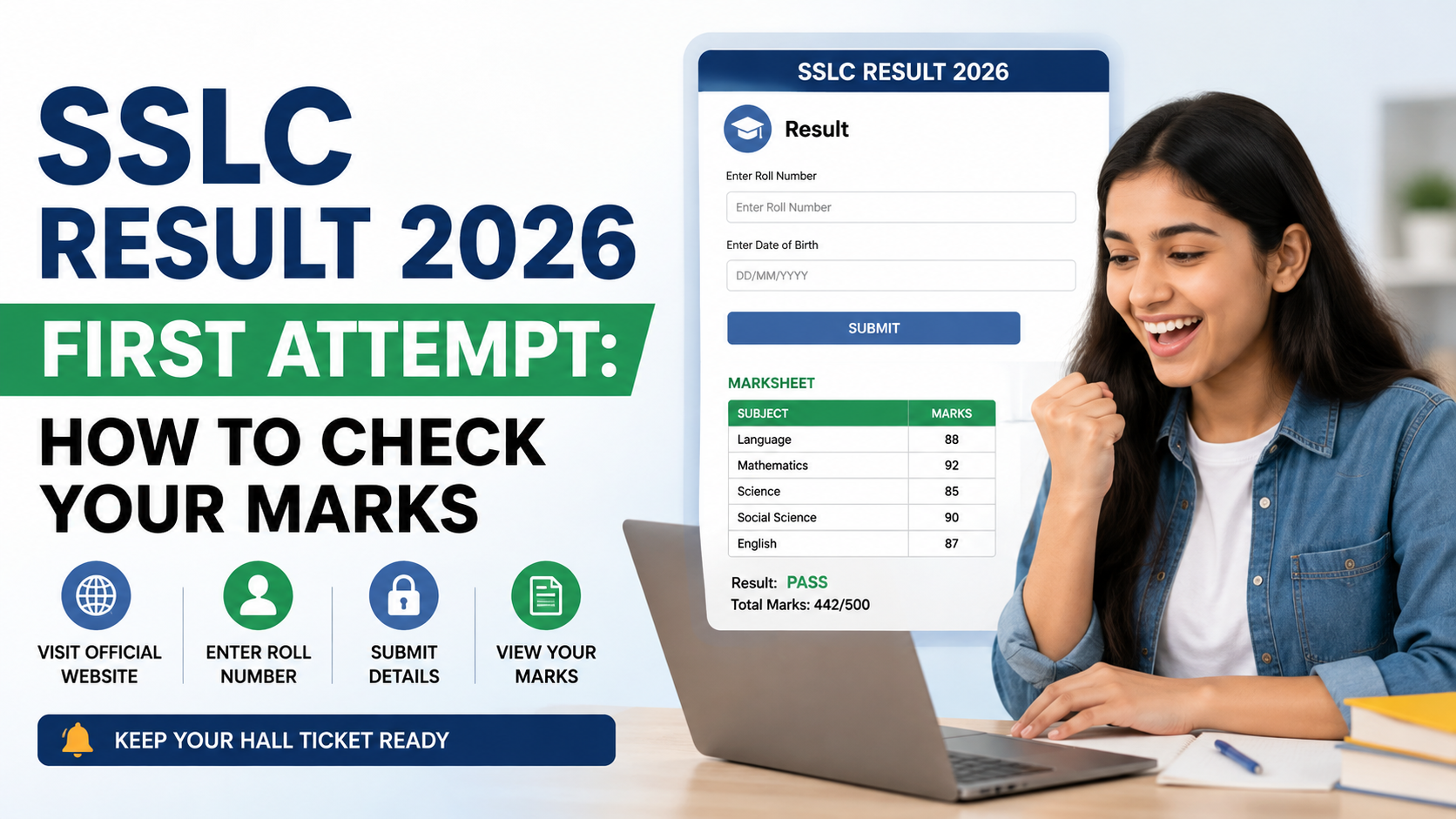
Students searching for an sslc result login link should begin with the result portal of their own state board. SSLC is not administered through one all-India website: Kerala, Karnataka and Tamil Nadu, for example, each publish Class 10/SSLC results through separate official systems.
For 2026, official result pages are available for Kerala SSLC, Karnataka SSLC and Tamil Nadu SSLC. The safest approach is to use the official link, enter the details exactly as printed on the hall ticket, view the provisional online result, and keep a saved copy for immediate reference. The original marksheet or certificate is issued separately by the relevant board or school.
Key Takeaways
- There is no single national SSLC result login link; use the portal for your state board.
- Kerala SSLC 2026 results are available through KITE using the register number and date of birth.
- Karnataka’s official KSEAB/NIC result portal provides SSLC 2026 result pages using the register number and date of birth.
- Tamil Nadu’s official result service requires the registration number and date of birth.
- Online result pages are for immediate information; collect the original marksheet through the board or school.
- Do not enter your hall-ticket details on social-media links, unknown apps or websites that ask for payment.
Understand Which SSLC Result Portal Applies to You
“SSLC” commonly refers to the Secondary School Leaving Certificate examination, but the term is used by more than one state education system. A search result labelled “SSLC Result 2026” can therefore belong to the wrong board.
Before opening a result page, confirm:
- Your state and examination board
- The examination session shown on the page
- Whether you appeared for the main examination, Exam 1, Exam 2, supplementary examination or another category
- The exact register/registration number on your hall ticket
For example, Karnataka’s official site identifies the board as the Karnataka School Examination and Assessment Board (KSEAB), while Kerala’s result page is published by KITE for the Board of Public Examinations. Tamil Nadu results are published through the Directorate of Government Examinations’ official result service.
Official SSLC Result 2026 Login Links
Use these board-controlled result pages rather than links shared in messages or search advertisements.
| State / board | Official SSLC result link | Details required on the page |
|---|---|---|
| Kerala Board of Public Examinations | Kerala SSLC Results 2026 | Register number and date of birth |
| Karnataka School Examination and Assessment Board | Karnataka Examination Results 2026 | Select the applicable SSLC 2026 result entry, then enter register number and date of birth |
| Tamil Nadu Directorate of Government Examinations | TN SSLC Class X Results 2026 | Registration number and date of birth |
The Kerala portal states that students should keep their hall ticket ready and enter the register number and date of birth. It also provides a school-wise results option for authorised school-level checking. KITE’s Kerala result portal identifies the SSLC 2026 result as available.
Karnataka’s official result index lists SSLC 2026 Exam 1 and the consolidated Exam 1 and 2 best-marks result. The official consolidated-result page requests the register number and date of birth as entered on the admission ticket. KSEAB’s official result page should be used for that specific result category.
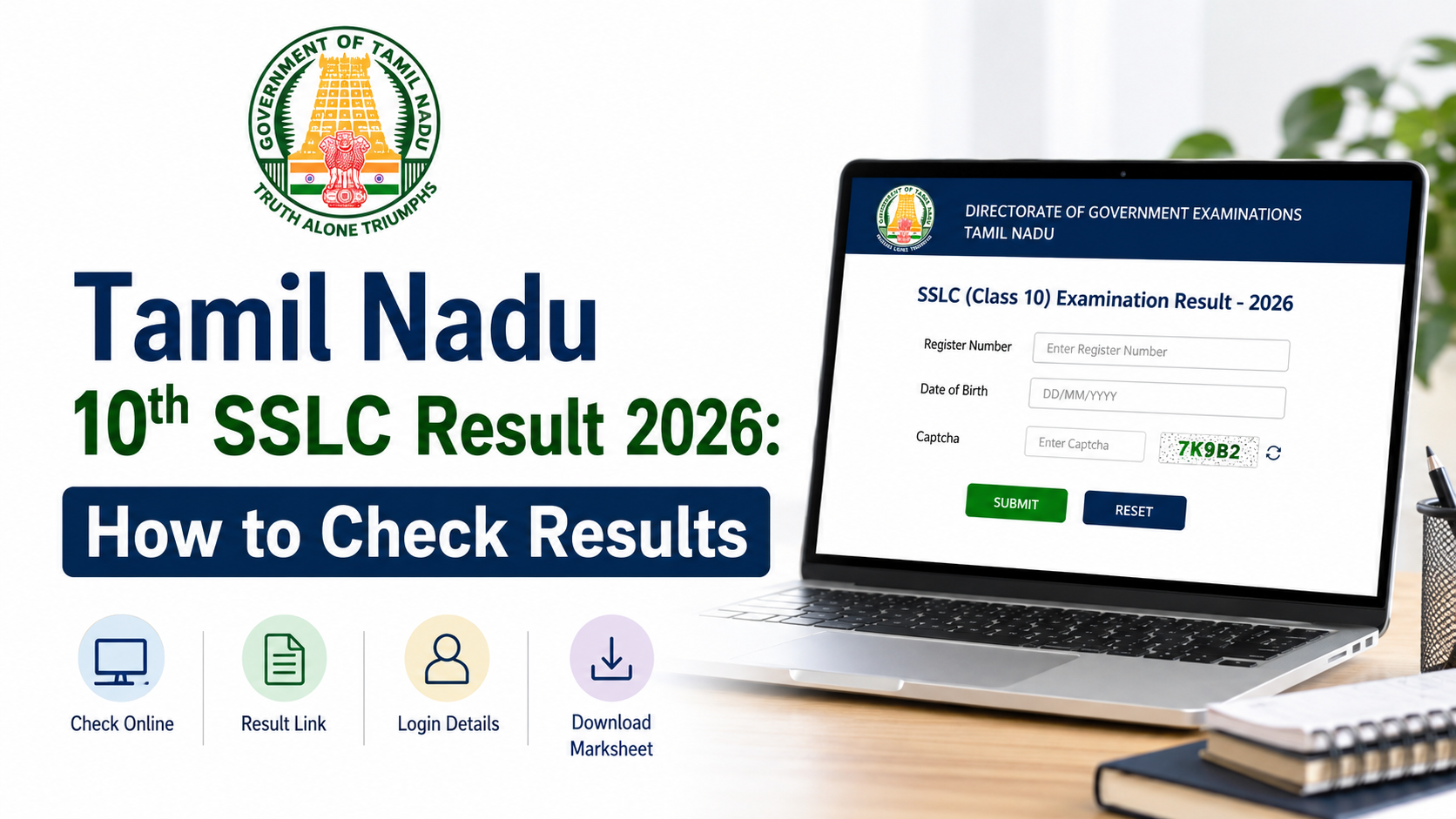
Tamil Nadu’s official SSLC March 2026 page provides fields for a registration number and date of birth. Students should use the result entry that matches their examination shown on the TN results homepage. TN Results is hosted for the Directorate of Government Examinations.
How to Use the SSLC Result Login Link
The phrase “result login” can be misleading. Most SSLC result portals do not require students to create a username, password or account. Instead, the page verifies a student’s result using hall-ticket details.
Step 1: Keep the hall ticket in front of you
Do not rely on memory. Check the document for:
- Register number or registration number
- Date of birth in the required format
- Examination category or session, if applicable
- Correct spelling of your name for comparison after the result opens
Some portals request the date of birth in DD/MM/YYYY format. If the date is entered in another order, the system may show an error even when the number is correct.
Step 2: Open the official board page
Type the board’s official website address into the browser or use one of the official links above. On the page, select the SSLC 2026 result that matches your examination.
A Karnataka student, for instance, should not open a Kerala or Tamil Nadu SSLC page merely because it appears first in a search result.
Step 3: Enter only the requested details
Enter the register or registration number exactly as printed. Then fill in the date of birth. Avoid adding spaces or changing digits.
Never share these details in public comments or send a screenshot of your hall ticket to an unknown person offering to “check” the result.
Step 4: Submit and review the result carefully
After selecting the result button, check:
- Student name
- Register or registration number
- School name, where displayed
- Subject-wise marks or grades
- Total, result status and remarks, where shown
- Examination/session label
If any personal detail or mark looks incorrect, do not edit or circulate a modified screenshot. Save the page and contact your school first for the correct board procedure.
Step 5: Save a readable copy
Download the result page if the official portal offers a download option. Otherwise, use the browser’s print function and choose “Save as PDF,” ensuring the complete page and identifying details are visible.
Name the file clearly, such as SSLC-2026-Result-RegisterNumber.pdf. This can help while awaiting the formal marksheet, but it does not replace the original document.
What the Online Result Means—and What It Does Not
The online result is useful for quickly confirming marks, grades and pass status. It is often needed when discussing the next academic step with a school or preparing application records. However, students should read the portal disclaimer.
KITE’s Kerala SSLC page says the web result is for immediate information and that the original marksheet is issued separately by the Board of Public Examinations. Kerala SSLC Results 2026 carries this clarification.
Karnataka’s official result page similarly states that the result published online cannot be treated as the original marksheet and that original marksheets are issued separately by the board. KSEAB SSLC 2026 consolidated result page provides that notice. The Tamil Nadu results portal also describes web results as immediate information rather than original marksheets. TN Results carries the same type of disclaimer.
Therefore:
- Use the online page to view and preserve your provisional result.
- Follow your school’s instructions for collecting the original marksheet.
- Use official documents when an institution specifically asks for an original or certified record.
- Do not assume a screenshot alone fulfils document-verification requirements.
If the SSLC Result Page Does Not Open
Result portals may receive very high traffic shortly after publication. A slow page, timeout or temporary error does not mean that the result is unavailable or that a student has failed.
Try these practical steps:
- Refresh once after a short interval; repeated rapid refreshing can make access harder.
- Open the board homepage, then navigate to the SSLC result entry instead of using an old forwarded link.
- Use a current browser or an incognito/private window.
- Clear browser cache if the official Kerala portal’s page is displaying an outdated version; KITE specifically suggests cache clearing or private browsing for viewing issues.
- Confirm that the number and date of birth exactly match the hall ticket.
- If the error continues, contact the school examination office rather than trusting a third-party website.
Do not pay a website or caller to “unlock” a result. Official result lookups on the portals above do not ask students to purchase access.
Protect Yourself From Fake Result Links
Result season attracts phishing pages designed to collect student details, phone numbers or money. A page can look convincing while using a slightly altered web address.
Check the domain before entering details
Look for the official government or board domain in the browser address bar:
- Kerala’s official result service uses
results.kite.kerala.gov.in. - Karnataka’s official result service uses
karresults.nic.in. - Tamil Nadu’s official result service uses
tnresults.nic.in.
Be cautious if a URL has unnecessary extra words, unusual spellings, random characters, or a domain unrelated to the board.
Avoid these common warning signs
- A request for UPI payment, card details or an OTP to view marks
- A promise to change marks, pass a student or provide a “confirmed” result before official publication
- A request to install an unknown APK or browser extension
- Links shortened without an identifiable official destination
- Messages asking students to submit their hall ticket, Aadhaar number or mobile OTP
If a school shares a result-related notice, compare its destination link with the board’s official homepage before using it.
After Viewing Your SSLC Result
The next action depends on the result and the student’s plans. Keep the result private until you are ready to share it, and discuss choices with parents, teachers or school counsellors.
Students who have cleared the examination can begin gathering documents required for Class 11, diploma, ITI or other eligible pathways. Requirements and admission timelines are set by the receiving institution, so check that institution’s official notice rather than assuming that all courses follow the same process.
If a student is dissatisfied with marks, missed an examination, or needs to understand a result status, the correct route is through the school and the relevant board’s official announcements. Rechecking, revaluation, photocopy and supplementary processes vary by board and examination category. Do not rely on old deadlines or instructions from another state.
Frequently Asked Questions
Is there one SSLC result login link for all Indian students?
No. SSLC results are published by separate state boards. Use the portal of the state and board through which you appeared for the examination.
What details are needed to check SSLC Result 2026 online?
The official Kerala, Karnataka and Tamil Nadu result pages use the student’s register or registration number and date of birth. Keep the hall ticket ready and enter the details exactly as printed.
Is the online SSLC result the original marksheet?
No. The official Kerala, Karnataka and Tamil Nadu portals state that online results are for immediate information and should not be treated as original marksheets. The formal marksheet is issued separately through the board or school.
Which Karnataka SSLC 2026 result should I select?
Choose the entry matching the examination you took. Karnataka’s official result index separately lists SSLC 2026 Exam 1 and the consolidated Exam 1 and 2 best-marks result. Read the title of the result link before entering your details.
What should I do if my result shows an error or does not load?
First, verify your hall-ticket details and try the official board homepage in a current browser or private window. If the issue remains, contact your school examination office. Do not use unofficial services that request payment or sensitive details.
Conclusion
The correct sslc result login link depends on the state board, so students should use only the official Kerala, Karnataka or Tamil Nadu portal that matches their examination. Keep the hall ticket ready, enter the required number and date of birth accurately, save the online result for immediate reference, and collect the original marksheet through the proper school or board channel.