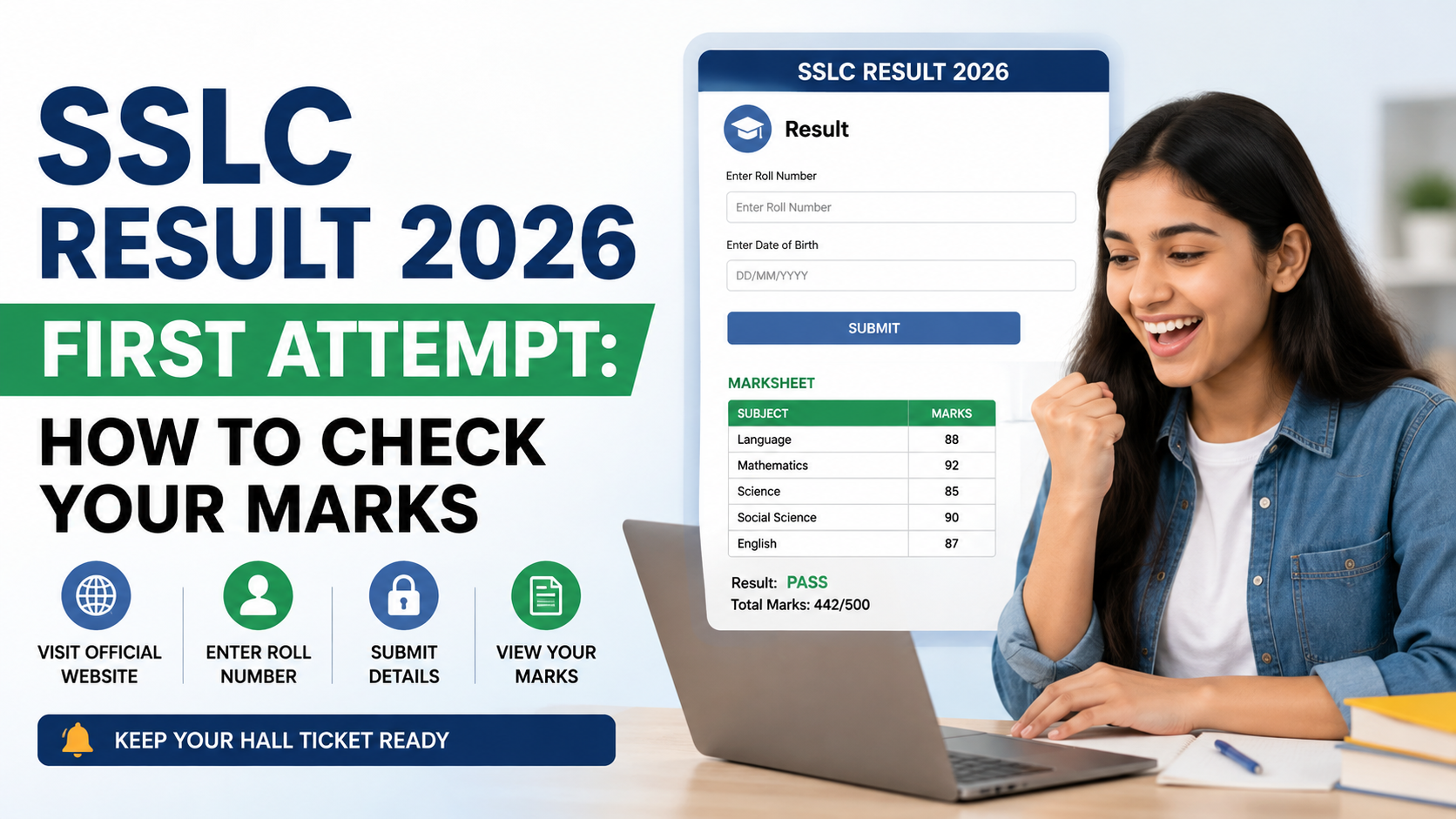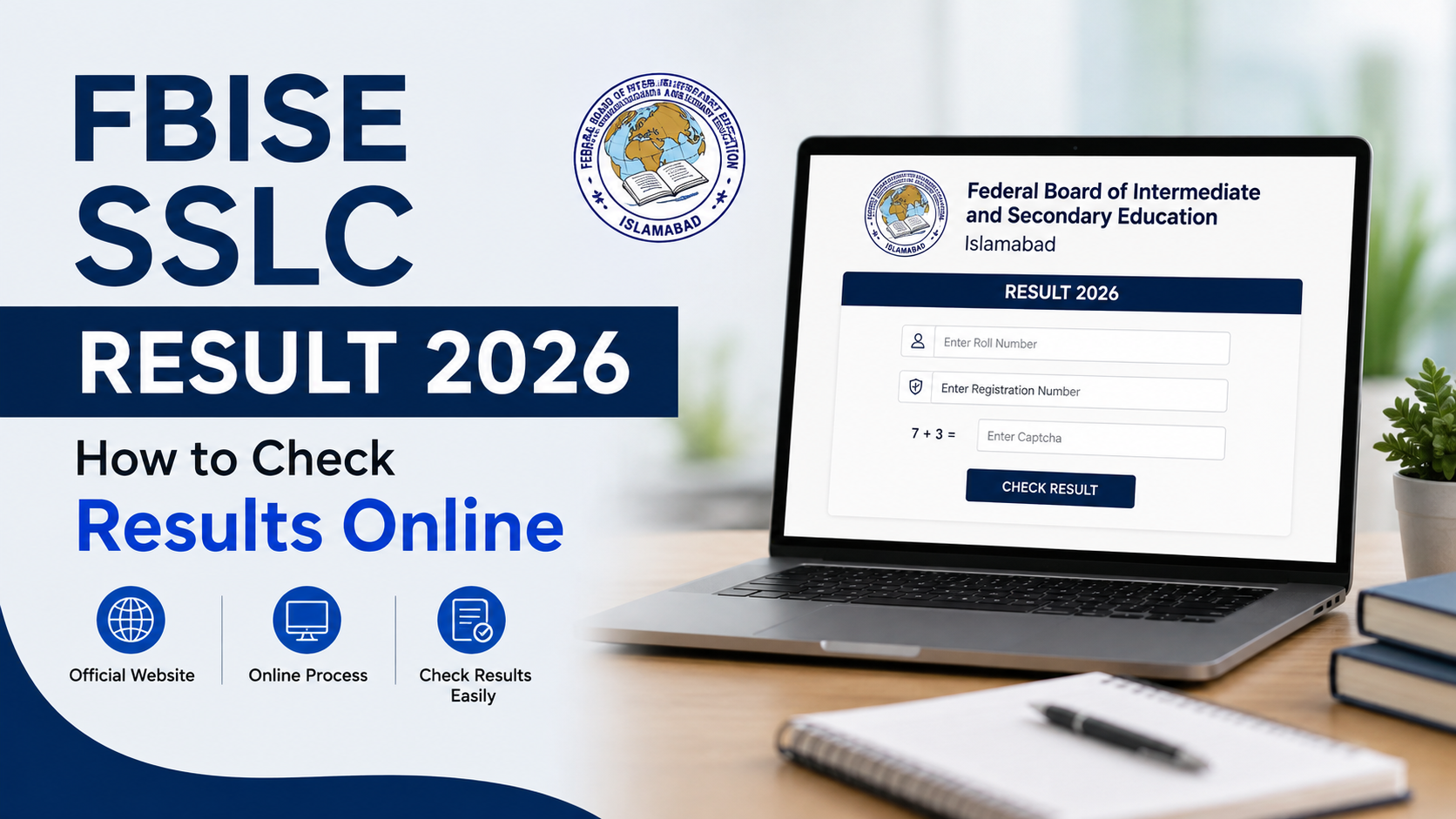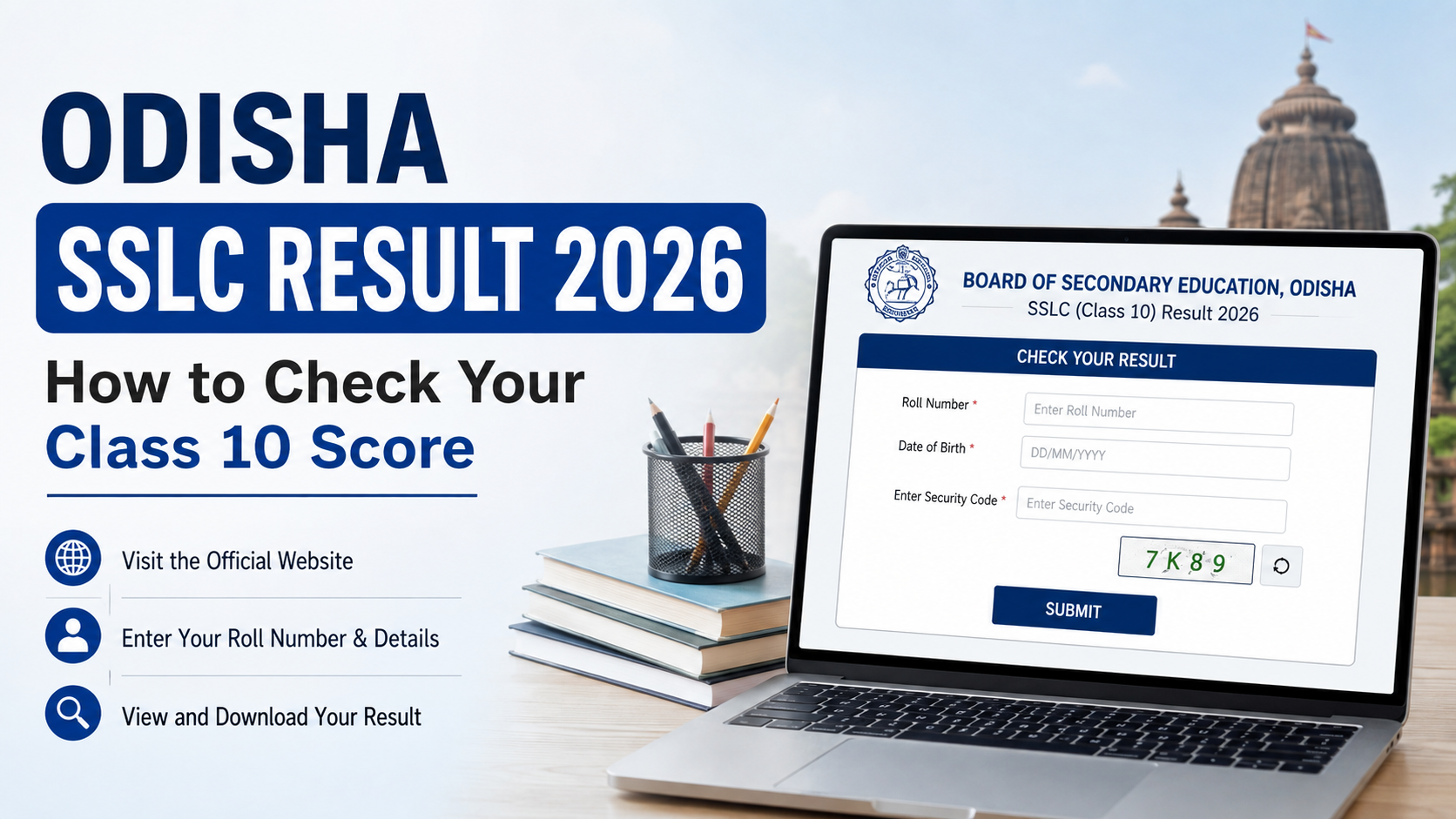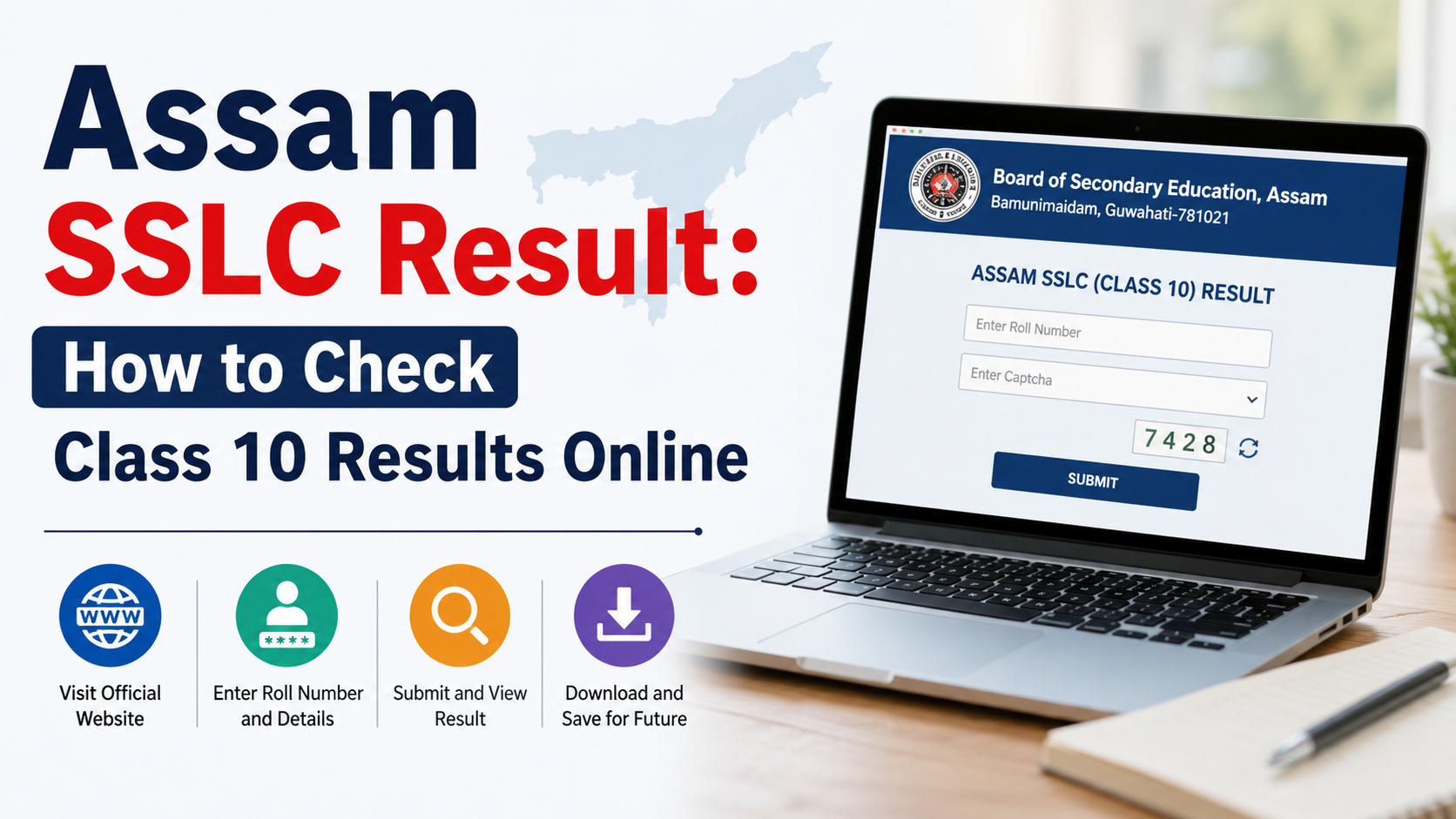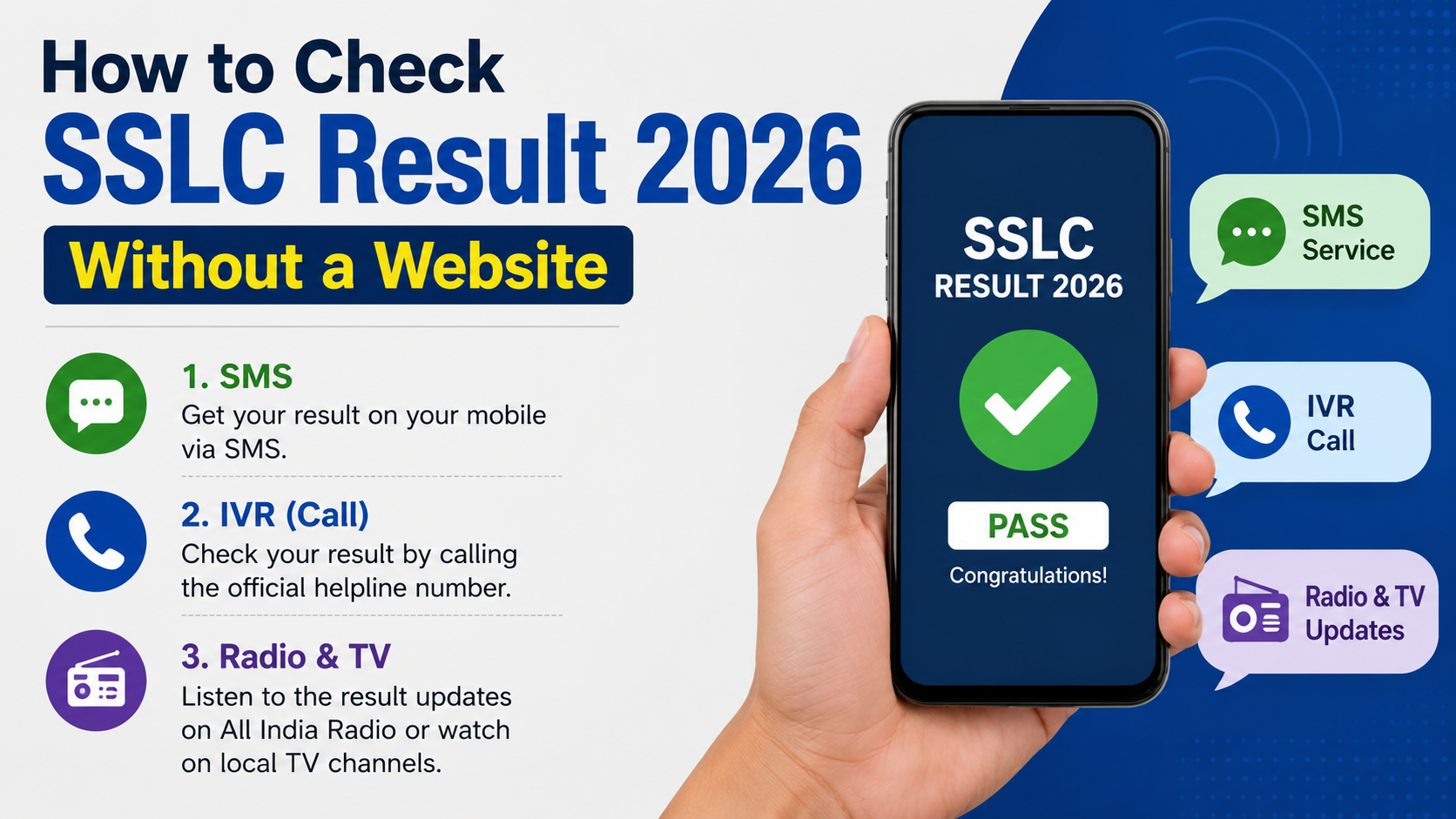
An SSLC result is issued by the relevant state examination board, so there is no single India-wide method for every student. However, you may be able to complete an sslc result check 2026 without opening a browser-based results website by using an official mobile app, checking a document issued through DigiLocker, or contacting your school.
The essential rule is simple: use only a method confirmed by your own board, school, or a government service. Do not trust forwarded SMS messages, unofficial apps, or social-media links that request your registration details.
Key Takeaways
- “Without a website” can mean using an official app, DigiLocker, or your school—not an unverified shortcut.
- Kerala students can use the official Saphalam KITE mobile app to view SSLC results.
- DigiLocker is useful only when your board has issued the relevant document to your account.
- Karnataka’s official 2026 SSLC result portal requires the register number and date of birth; it is not a substitute for the original marks sheet.
- Do not assume an SMS number works unless your board has officially announced it for the 2026 result.
- Keep your hall ticket ready and verify every result against the original marks sheet issued by the board.
First, Understand What “Without a Website” Means
A result must still come from an authorised source. You cannot reliably obtain a live result offline before the board releases it. In practice, checking without a website usually means one of these options:
| Method | Best for | What to know |
|---|---|---|
| Official government result app | Students with a smartphone | Use only an app published by the board or government education department. |
| DigiLocker mobile app | Accessing an issued digital document | Availability depends on whether the board has uploaded or issued the record. |
| School or examination centre | Students without reliable internet | The school can guide you using official information after results are declared. |
| Official helpline | Technical or process support | A helpline may explain the process but should not be assumed to provide marks by phone. |
| SMS | Only where officially announced | Do not use old or third-party SMS formats and numbers. |
An app and DigiLocker still need an internet connection, but they let you avoid visiting a results website in a browser. If you do not have a smartphone or internet access, your school is normally the most practical and trustworthy route.
Confirm Your Board Before Checking the Result
“SSLC” does not identify one common examination authority. In India, the term is used by different state systems, and the result process, credential format, and announcement schedule can differ.
Before you start, check the following details on your hall ticket:
- State and examination board
- Register number, roll number, or registration number
- Date of birth in the required format
- Examination session, such as March 2026 or a supplementary/SAY examination
- School or examination-centre details
Do not enter your details into a service simply because it displays “SSLC Result 2026.” A genuine service should clearly identify the responsible government department or examination board.
For example, the official Karnataka results service identifies the Karnataka School Examination and Assessment Board (KSEAB) and provides the SSLC 2026 result lookup using a registration number and date of birth. The official service states that online results are for immediate information and are not the original marks sheet.
Likewise, Kerala’s SSLC result services are associated with the Board of Public Examinations and the Government of Kerala’s education system. The correct board matters more than the wording used in a search result.
Use an Official Result App Where Your Board Provides One
An official result app is often the most convenient alternative to opening a website. It should come from a verified government department, board, or its designated technology agency.
Kerala SSLC: Use the Saphalam KITE App
For Kerala SSLC 2026 results, Saphalam KITE is an official Kerala Government application provided by Kerala Infrastructure and Technology for Education (KITE). Its listing states that students can view Kerala SSLC results with subject-wise grades.
To check through the app:
- Install Saphalam KITE from the official app store listing.
- Open the app and select SSLC.
- Enter the register number and date of birth exactly as printed on the hall ticket.
- Submit the details and review the result shown.
- Save the displayed result for reference, if the app provides that option.
The app is useful for immediate viewing, but the result display should not be treated as the original certificate. Kerala’s official result service similarly says that the board issues the original marks sheet separately.
Check the Publisher Before Installing
Before downloading any app, confirm:
- The publisher is the government department, board, or designated government agency.
- The app-store description identifies the examination correctly.
- The app does not demand unnecessary payments, passwords, or unrelated permissions.
- The app has not been promoted only through a random message or Telegram/WhatsApp group.
Do not install an app just because its name contains “SSLC result,” “10th result,” or your state name. Names can be copied easily.
Check DigiLocker for an Issued Digital Record
DigiLocker is a Government of India initiative of the Ministry of Electronics and IT. It can provide access to documents issued by participating authorities. This makes it a useful option after results are declared, but it is not a universal live-result service for every board and every exam session.
When DigiLocker Can Help
Use the DigiLocker app when:
- You already have a DigiLocker account, or can create one safely.
- Your board appears as an available issuer.
- The SSLC marks sheet or certificate for the required year is available in the issuer’s records.
- You need an issued digital document rather than only a quick result display.
A document in the Issued Documents section is different from a scanned image you uploaded yourself. DigiLocker states that documents issued through the platform have the same legal validity as their physical counterparts under the applicable IT Rules.
How to Check Safely
- Install the official DigiLocker app or access your existing account.
- Complete the required identity and mobile-verification steps.
- Look for an issued document from your own board.
- Enter the requested certificate, roll, registration, or year details exactly as shown on your examination records.
- Check the document name, year, candidate name, subjects, and marks before sharing it.
If DigiLocker shows “no record available,” do not repeatedly guess document numbers. It may mean the board has not made that record available through DigiLocker, the detail format is incorrect, or the document is not yet issued. Contact the board or school for the correct next step.
Ask Your School or Examination Centre
For students without a suitable device, stable internet, or access to an official app, contacting the school is a sound option.
Schools receive official instructions from their examination authority and can help students identify the correct result channel. They may also be able to guide you on collecting the original marks sheet, applying for revaluation, or understanding a result status.
When contacting the school, keep these details ready:
- Student’s full name
- Register or roll number
- Date of birth
- Examination year and session
- School name and class section, if requested
Ask a focused question: “Has the board released the SSLC 2026 result, and what official method should I use to obtain my marks?” This is safer than relying on a screenshot sent by another person.
If someone reads your result to you over the phone, verify the spelling of your name, register number, subject grades or marks, and overall result. Then obtain the official document when the school or board makes it available.
Do Not Rely on Unconfirmed SMS Formats
SMS result services have been used by some boards in some years, but that does not make an old format valid for SSLC 2026. A number, keyword, fee, and registration process can change—or the service may not be offered at all.
Use SMS only if your board has officially published all of the following for the 2026 result:
- The destination number
- The exact message format
- Any applicable charge
- The eligible examination and session
- The release time or availability period
If one of these details is missing from an official notice, avoid it. An incorrect SMS may cost money, expose your registration number, or send you to a paid third-party service.
A result message, even if genuine, is normally best treated as quick information. Keep it private and confirm important details through the board-issued marks sheet or an issued digital document.
State-Specific 2026 Information You Can Confirm
The correct procedure depends on your board. The following examples illustrate why students should not apply one state’s process to another.
| Board/system | Officially confirmed 2026 information | Non-website option |
|---|---|---|
| Karnataka SSLC | The official Karnataka results portal lists SSLC 2026 Exam–1 Result and requires a register number and date of birth. It recorded the Exam–1 result announcement on 23 April 2026. | Contact the school for official assistance; use any alternative only if KSEAB officially announces it. |
| Kerala SSLC | Kerala’s official KITE result service provides SSLC 2026 result access using register number and date of birth. | Use the official Saphalam KITE mobile app, or seek help from the school/Pareeksha Bhavan. |
The Karnataka and Kerala services also make an important distinction: the online result is for immediate information, while the board separately issues the original marks sheet or certificate. Treat that original document as the final record for admissions, corrections, and formal verification.
Verify the Result Before You Use It
After an sslc result check 2026, do not act on a result screen alone if the information affects admission, scholarships, or a correction request.
Check these fields carefully:
- Candidate name and register number
- Date of birth
- Subject names and grades/marks
- Total, result status, and any remarks
- Examination session and year
- School name or code, where shown
Take a private screenshot or PDF for your own reference, but do not publicly post the full result. Your registration number and date of birth are personal examination details.
If you find an error, preserve the evidence, notify your school promptly, and follow only the board’s official correction, scrutiny, photocopy, or revaluation process. Do not pay an intermediary who promises to change marks or “unlock” a result.
Avoid Result Scams and Privacy Risks
Result day often attracts misleading links and fake support offers. A secure approach is especially important when many students are searching at the same time.
Watch for these warning signs:
- A page or app asks for a payment merely to display a result.
- A message claims you have “failed” or “passed” but contains no official board identity.
- Someone asks for your DigiLocker password, OTP, Aadhaar details, or bank information.
- A social-media account offers early access to results.
- A link uses a misspelled government or board name.
- A caller claims they can increase marks for a fee.
No legitimate official process needs your DigiLocker OTP or password from another person. Share only the minimum required details with a verified board, school, or government service.
Frequently Asked Questions
Can I check my SSLC result 2026 through SMS?
Only if your own examination board officially announces an SMS service, its number, and the exact format for the 2026 result. Do not use SMS instructions from old articles or forwarded messages.
Can I check Kerala SSLC 2026 without opening a website?
Yes. Kerala students can use the official Saphalam KITE mobile app, enter the register number and date of birth, and view the SSLC result. The original board-issued marks sheet remains important for formal purposes.
Is a DigiLocker SSLC marks sheet valid?
An SSLC document issued through DigiLocker by the authorised board is a government-issued digital document. However, availability depends on the board and record. A file uploaded by the student is not the same as a document issued by the board.
What should I do if the official app or DigiLocker does not show my record?
Recheck the register number, date of birth, year, and document type against the hall ticket. If the record still does not appear, contact your school or the board’s official support channel. Do not attempt random number combinations or use an unofficial portal.
Is an online or app-based SSLC result the original marks sheet?
Usually, no. Karnataka and Kerala’s official result services state that online results are for immediate information and that original marks sheets are issued separately by the relevant board.
Conclusion
A safe sslc result check 2026 without visiting a website is possible only through a board-approved alternative. Use an official government app where available, check DigiLocker only for a board-issued record, or contact your school for verified assistance. Keep your hall ticket details ready, avoid unconfirmed SMS services, and verify the result against the original marks sheet before using it for any important application.